
This project is also open source on github!
Context#
Splitgate 1 recently retired it’s servers (End of 2025) and as such the community created Forge maps all fell with it unless you already had it downloaded to your splitgate and as such there was no formal way to share these maps anymore.
Forge maps were a form of UGC in Splitgate 1 for custom maps that could be accessed in private matches and in some limited time modes in matchmaking.
Forge Archive#
As I was told about server shut-downs and the possibility I started to ask around the community of various map creators if they wanted their maps to be backed up and saved to a GitHub repo for possible future usage and in the end I got asked to just do every name from a list I got given.
Thanks to the community I managed to save and backup 97 unique maps!
Purpose#
As these maps were storge in JSON objects on 1047 games’ backend I took it upon myself to create an importer for Unreal Engine 4 and 5 so the creators of these maps could take their ideas and possibly use them as blockouts and general ideas for other projects they had in mind whilst working on these maps!
The Importer Itself#
These JSON objects had a very simple file format luckily, they contained the internal ID, share mnemonic, publish date, map display name, base map name (unreal level to build the forge map ontop of at runtime) and a list of every spawned prop with their location, rotation and scale!
So since understanding how splitgate works like the back of my hand, I took to Unreal Engine 4.26, replicated some data from splitgate itself that they use to figure which forge prop id is what internally and implemented basic grid shaded meshes to somewhat accurately represent the imported maps.
UE4 was used for the sole purpose of, assets can upgrade but not easily downgrade so if I make the assets in 4 they can be used in 5, the code however with some checks works on both seamlessly!
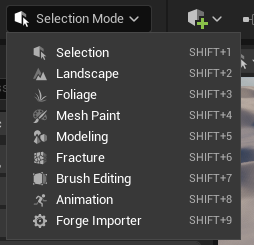
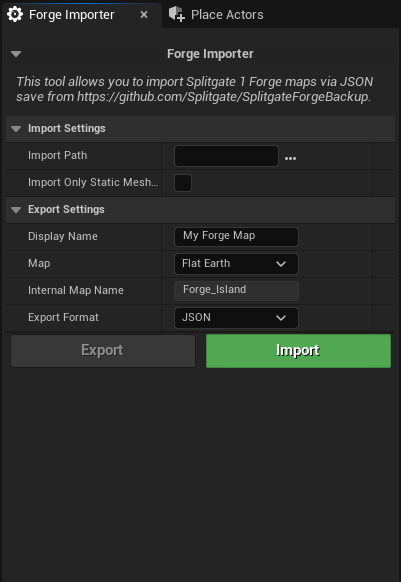
To make this as user friendly I added the import screen as an editor tool so it appears in the list with things like, modelling mode, the landscape tool and even gave it a very neat looking UI created entirely in slate (Unreals C++ UI library).
The Menus:
Importing Maps#
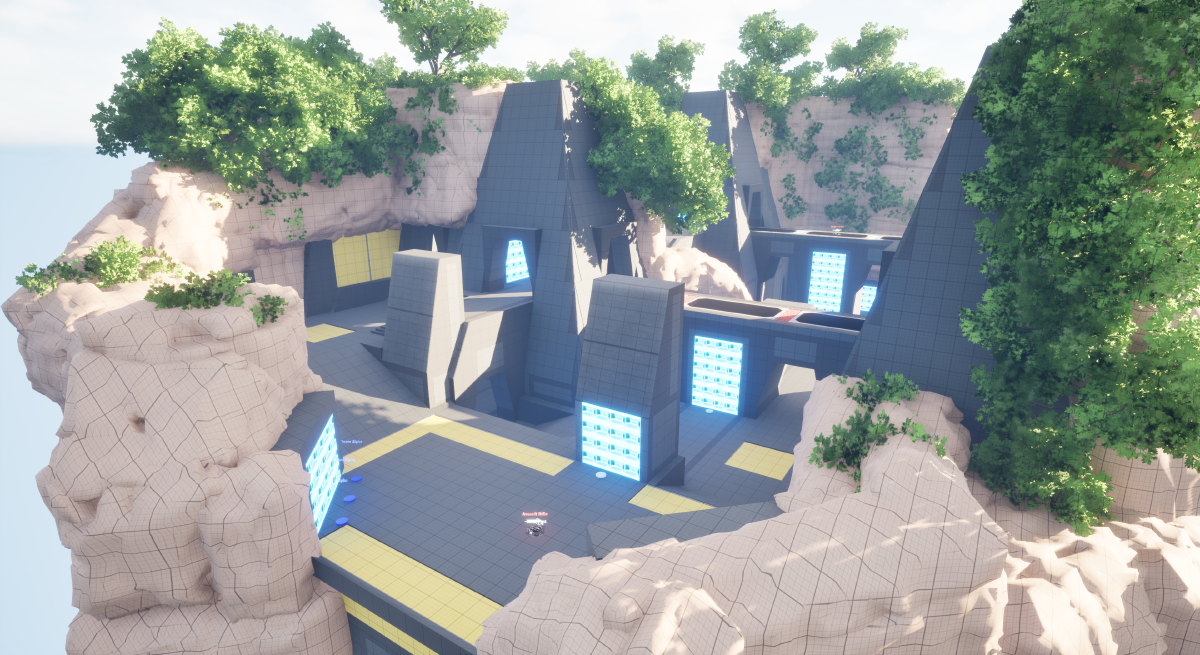
As I mentioned its a kind of primitive view mostly but it is the correct geometry with portal wall areas marked, player spawns marked and weapon spawns marked.
Exporting Maps#
The binary .forge file format I created and support with import is a much smaller and efficient way to share maps around with other people as for this map example:
Map edit how cool.forge: 155 KB
vsMap edit how cool.json: 652 KB
It can also export to normal .json formats too.